
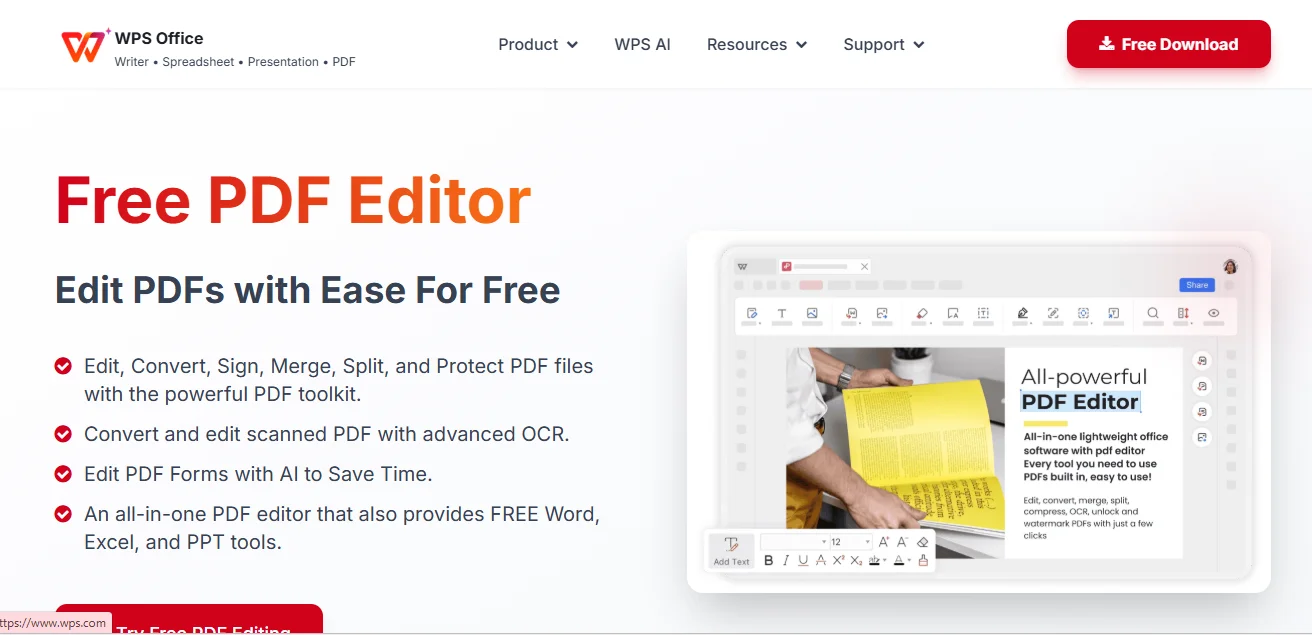
About PDF Editor
Free PDF Editor – Edit PDF Files Easily with WPS Office
Get a free PDF editor with WPS Office, a powerful document solution designed to help you modify, organize, and manage PDF files. Edit existing PDF text, change formatting, add or replace images, and rearrange pages while maintaining your document's original layout. Whether you need to update a business report, modify a scanned document, complete a PDF form, or add an electronic signature, WPS PDF Editor provides practical tools for everyday PDF editing tasks.
Download WPS Office and start using its PDF editing tools to modify text, images, and page layouts. Convert scanned PDFs into editable documents with Optical Character Recognition (OCR), fill out forms, add electronic signatures, and merge or split PDF files. You can also use AI-powered features to translate documents, summarize PDF content, and make editing tasks more efficient. Access PDF editing on Windows, Mac, iOS, Android, and the web, with cloud synchronization to continue working across supported devices.
Features
Edit PDF Text and Images: Modify existing text, update formatting, add or delete images, resize pictures, and replace visual elements directly within PDF documents.
Edit Scanned PDFs with OCR: Convert scanned PDF documents into editable text using Optical Character Recognition. Make scanned content easier to modify, search, and manage.
Fill and Sign PDF Forms: Automatically detect fillable fields with AI assistance, complete forms, and add electronic signatures to contracts, applications, and invoices.
Organize and Manage PDF Pages: Insert, delete, and reorder pages using drag-and-drop tools. Merge multiple PDF documents or split existing files into separate sections.
Protect and Convert PDF Files: Add or remove watermarks, restrict copying and printing, protect documents, and convert PDFs into Word, Excel, PowerPoint, and image formats.