
Beginner’s SEO: Make Your Project Visible on Google
 Add ShowMySites to preferred sources
Why SEO Matters for Beginners
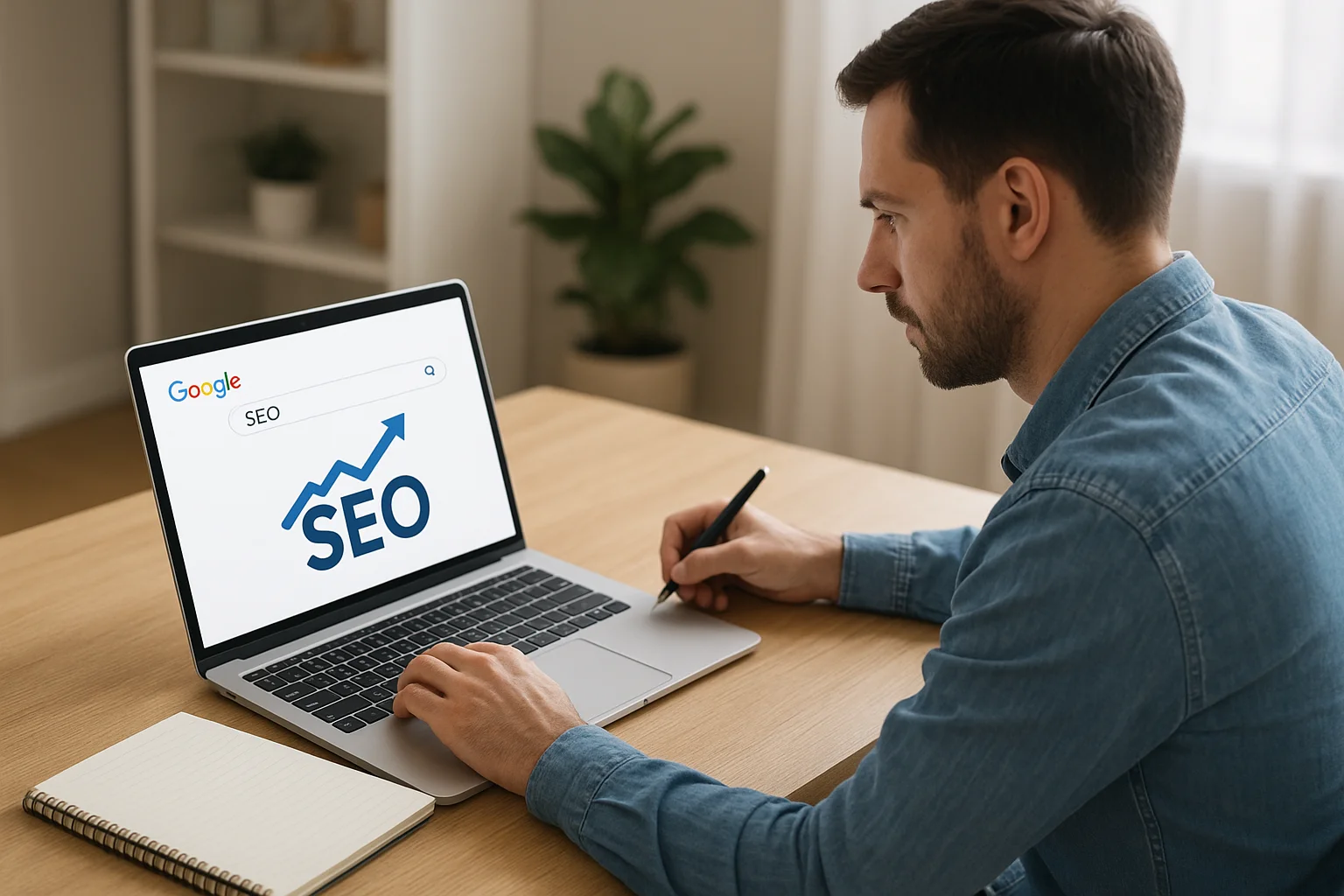
When you launch a new project online, visibility is everything. No matter how innovative your idea or high-quality your product is, if people can’t find it, it might as well not exist. This is where Search Engine Optimization (SEO) comes in — the process of improving your website so that it appears higher in search engine results.
For beginners, SEO is not just a marketing tool; it’s a way to connect with the right audience at the right time. Most users trust search engines like Google to guide them to relevant content, and they rarely look past the first page of results. Being on that first page can mean the difference between a trickle of visitors and a steady stream of potential customers or followers.
Good SEO practices help your website gain credibility in the eyes of both search engines and users. When your content is optimized, it becomes easier for Google to understand what your site is about and match it with relevant searches. This increases your chances of attracting visitors who are already interested in what you offer, making them more likely to engage, subscribe, or make a purchase.
Another reason SEO matters for beginners is its long-term value. Unlike paid ads, which stop bringing traffic once your budget runs out, well-executed SEO can continue to generate organic visitors for months or even years after your initial effort. This makes it a cost-effective strategy for building sustainable growth, especially when starting with limited resources.
In short, understanding SEO from the beginning empowers you to lay a strong foundation for your online presence, helping you grow faster, smarter, and with more lasting results.
Understanding How Google Finds and Ranks Your Site
Before your website can appear in search results, Google needs to discover and analyze it. This process involves three main steps: crawling, indexing, and ranking.
1. Crawling: Google uses automated programs called Googlebots (or spiders) to explore the web. These bots visit web pages, follow links, and collect information about the content. If your site is new or has few external links, it might take longer for Google to find it. Submitting your site directly to Google Search Console can help speed up the process.
2. Indexing: Once your site is crawled, Google stores the gathered information in its vast database — known as the index. During indexing, Google analyzes the text, images, videos, and structure of your pages to understand their topics and context. Clear navigation, descriptive headings, and optimized meta tags make this process easier.
3. Ranking: When a user performs a search, Google’s algorithms decide which pages to show and in what order. The ranking process takes into account hundreds of factors, such as relevance to the search query, quality of content, site loading speed, and mobile-friendliness. The goal is to display the most useful and trustworthy results for the user.
Google also evaluates signals like backlinks (links from other websites pointing to yours) and user engagement metrics (e.g., time spent on page) to assess the authority and usefulness of your site. Consistently providing valuable, well-structured content increases your chances of ranking higher.
It’s important to remember that ranking is not instant. Even after being indexed, it can take time for your site to climb in search results as Google collects more data about your performance and relevance.
Choosing the Right Keywords for Your Project
Keywords are the bridge between what people type into Google and the content you offer. Selecting the right ones ensures that your project reaches the audience most likely to be interested in it.
1. Understand Your Audience: Start by identifying the words and phrases your target audience might use. Think about their needs, questions, and problems. The way a beginner searches for information can differ greatly from an expert in the field.
2. Use Keyword Research Tools: Platforms like Google Keyword Planner, Ubersuggest, or Ahrefs can reveal search volume, competition level, and related terms. This helps you spot opportunities where there’s good search demand but less competition.
3. Focus on Long-Tail Keywords: These are longer, more specific phrases (e.g., "best running shoes for flat feet" instead of just "running shoes"). They typically attract fewer searches, but the visitors they bring are more likely to take action because the query is precise.
4. Consider Search Intent: Every keyword has an underlying purpose — informational, navigational, or transactional. Matching your content to the correct intent increases the chances of satisfying the visitor and improving your ranking.
5. Balance Popularity and Competition: A highly popular keyword may drive more traffic, but if competition is fierce, it can be difficult to rank. Aim for a mix of moderately competitive keywords for quicker results and some broader ones for long-term goals.
6. Organize Keywords Strategically: Group related keywords together and assign them to specific pages. Avoid trying to target too many keywords on a single page, as this can dilute the relevance in Google’s eyes.
By carefully choosing your keywords, you set the foundation for content that resonates with your audience and aligns with how they search online.
On-Page SEO Basics: Titles, Headings, and Meta Descriptions
On-page SEO focuses on elements you can directly control within your web pages to help search engines understand and rank your content. Among the most influential are the title tag, headings, and meta description.
1. Title Tag: This is the clickable headline that appears in search engine results and the browser tab. It should be unique for each page, contain your primary keyword, and remain under approximately 60 characters to avoid being cut off in results. A well-crafted title not only tells Google what your page is about but also encourages users to click.
2. Headings (H1, H2, H3, etc.): Headings structure your content for both readers and search engines. The H1 is the main title of the page (used only once), while H2 and H3 organize subtopics. Search engines use these headings to understand the hierarchy and main themes of your content. Clear, descriptive headings also improve readability and help visitors scan the page quickly.
3. Meta Description: Although it doesn’t directly impact ranking, the meta description influences whether users click your link in search results. It should be a concise summary of your page, ideally under 160 characters, and include the primary keyword naturally. Think of it as your opportunity to “pitch” the value of your page to potential visitors.
4. Keyword Placement and Relevance: Incorporating keywords naturally into your title tag, headings, and meta description helps Google connect your page with relevant search queries. Avoid keyword stuffing, which can harm readability and search performance.
5. Consistency Across Elements: Your title, headings, and meta description should align in meaning and tone. This consistency reassures both search engines and users that your content matches their expectations.
By optimizing these on-page elements, you increase your chances of standing out in search results and guiding both algorithms and readers toward your most important content.
Ready to showcase your project?
Join thousands of developers and entrepreneurs who have already listed their websites in our directory. Get discovered by potential users and grow your audience.
Free to list • Instant approval • No hidden fees
Frequently Asked Questions
What is the main purpose of the title tag in SEO?
Why should meta descriptions be under 160 characters?
Related articles
How to Track Whether Directory Listings Actually Send Traffic
Most founders submit to directories and forget them. Here's how to set up UTM tracking, read referral analytics, and build a simple system to measure which listings actually deliver results.
 Michel Duar
How to Boost My Site Without Buying Links or Fake Traffic
Shortcuts like bought links and bot traffic create more problems than they solve. Here is a practical breakdown of white-hat methods that actually build lasting visibility for your site.
Michel Duar
What a "Good" Domain DR Looks Like for a New Site (Month 1 to 6)
What counts as a good Domain Rating depends on site age. Use realistic month 1 to 6 checkpoints instead of comparing a new domain to mature brands.
Michel Duar
Directory-List vs Directory Browse: How to Use Both on ShowMySites
Directory List and Directory browse are not the same page in different clothes. Learn when to scan fast, when to explore, and how both help you research and launch on ShowMySites.
Michel Duar
What Is a Web Directory in 2026 (and Why You Should Still Submit Your Site)
A clear explainer on what a web directory is in 2026 and why curated directories still matter for SEO. Learn how modern directories like ShowMySites send relevant traffic and dofollow backlinks from a DR68+ domain, and how to use them without falling for spam farms.
Michel Duar
How to Submit Your Website to Directories for Backlinks (Step by Step)
A step-by-step guide to submitting your website to directories for backlinks in 2026. Start with ShowMySites for a free dofollow backlink from a DR68+ domain, then follow a 7-step process: pick directories, create accounts, write listings, confirm links, track, refresh, and expand. Includes a 30-day plan.
Michel Duar
Domain Rating (DR) vs Domain Authority (DA): What's the Difference?
A clear explanation of Domain Rating (DR) versus Domain Authority (DA). Learn who created each metric, how they are calculated, and which one to use when judging backlinks versus ranking potential. Includes a comparison table and practical tips for building a healthy link profile.
Michel Duar
AI Tool Directory List: Best Platforms to Submit Your AI Product
A practical list of the best AI tool directories to submit your product in 2026. Start with ShowMySites for a free dofollow backlink from a DR68+ domain, then expand to Product Hunt, Futurepedia, AlternativeTo, and SaaSHub. Learn how to write a listing that converts and balance dofollow with nofollow traffic.
Michel Duar
Best Free Website Directories to Submit Your Site in 2026
A curated list of the best free website directories to submit your site in 2026. Start with ShowMySites for a free DR68+ dofollow backlink, then expand to Product Hunt, SaaSHub, G2, Crunchbase, and niche communities. Learn how to pick directories that send relevant traffic and real authority.
Michel Duar