
Pick the Right ShowMySites Category: SaaS, AI Tool, Marketplace, or Tool
 Add ShowMySites to preferred sources
Wrong category placement is quiet damage. Your product can be solid, your screenshot clean, and your description clear, and still sit in a room where nobody is looking for it. On ShowMySites, category choice is not a SEO trick. It is a shelf decision for human browsers.
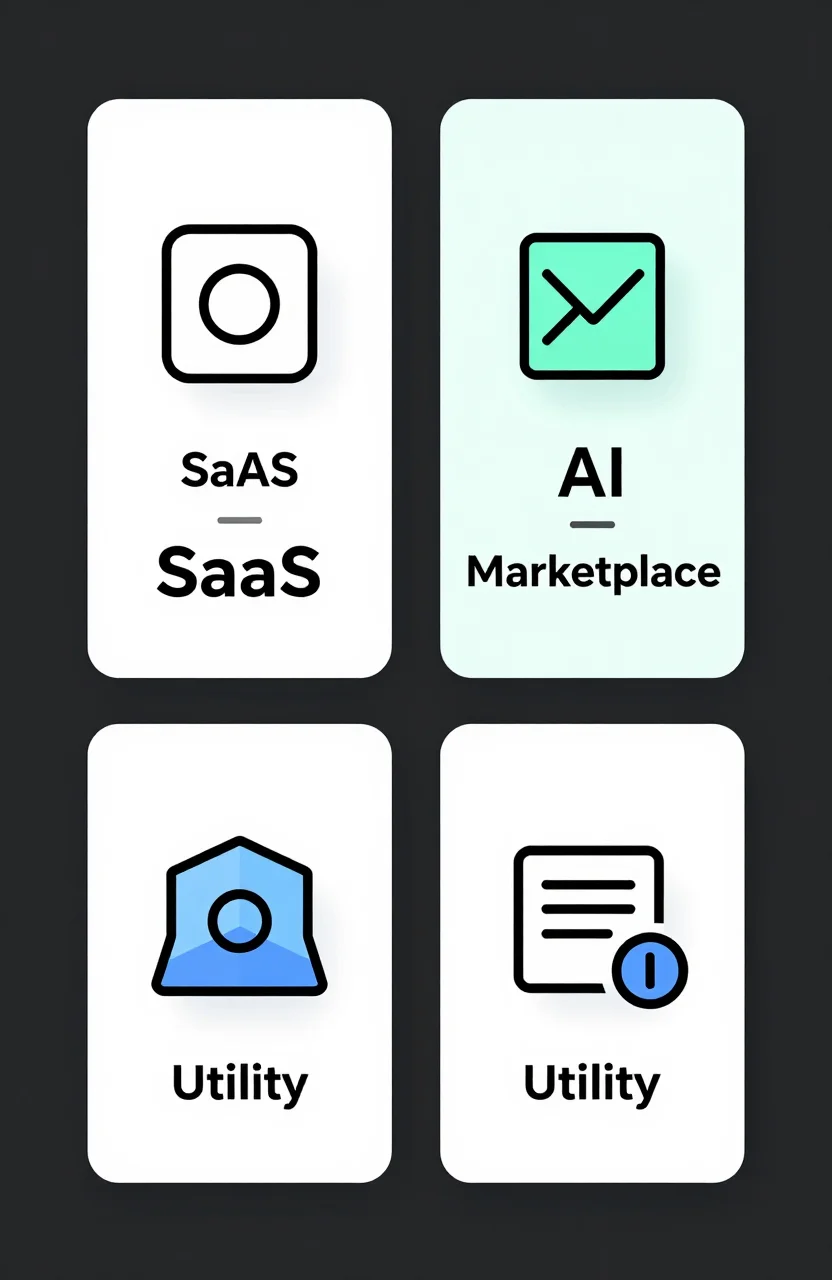
This guide is a decision tree for four common shelves: SaaS, AI Tool, Marketplace, and Tool. It is not another list of external directories. If you want platform roundups later, you already have separate posts for SaaS and AI submissions. Here you only need to pick the right aisle on this site.
Start with what the visitor thinks they are opening
Before labels, ask one question: when someone lands on your homepage from a directory card, what do they expect to buy, try, or browse? That expectation should match the category name they clicked.
If the page sells software with plans, seats, or recurring access, people expect SaaS. If the product is mainly AI-powered generation, agents, or models as the core job, people expect AI Tool. If the site connects buyers and sellers, creators and customers, or multiple sides of a market, people expect Marketplace. If the site is a focused utility without the full SaaS packaging story, people expect Tool.
Browse the live shelves before you decide. Compare SaaS, AI Tool, Marketplace, and Tool. Look at titles and thumbnails. Your listing should feel at home next to those cards, not like a guest who wandered into the wrong room.
Spend five minutes clicking through each shelf with your product in mind. Ask whether a browser who chose that label would feel misled by your homepage. That gut check beats any abstract taxonomy debate.
Decision tree: SaaS vs Tool vs AI Tool
Use this order. It prevents most borderline mistakes.
- Does the product use AI as the main reason to exist? If yes, lean AI Tool. If AI is a feature inside a broader product, keep going.
- Do you sell ongoing software access with accounts, plans, or workspace seats? If yes, lean SaaS.
- Is it a focused utility people open for one job without a full product suite story? If yes, lean Tool.
Examples help. A billing platform with teams and pricing tiers is SaaS even if it has an AI invoice helper. A site that only generates product photos with models is an AI Tool. A free color contrast checker with no account story is a Tool. Same founder can own all three products and still need three different categories.
When AI Tool is the honest pick
Choose AI Tool when the AI is the product, not garnish. Visitors in that category compare prompts, models, output quality, and workflow speed. If your homepage leads with "AI that does X," you belong there. If your homepage leads with "operations software for Y teams" and AI appears later, SaaS is usually cleaner.
Also be careful with "AI-powered" as marketing spice. Adding a chatbot does not move a classic CRM into AI Tool. Category browsers notice that stretch and skip you. If your roadmap will make AI the center of the product in the next month, wait until the homepage reflects that before you move categories. Premature moves create confusing cards and weaker trust.
When Marketplace is the right shelf
Marketplace is for multi-party platforms. You are not only selling software to one buyer. You are connecting supply and demand. Think listings, sellers, buyers, bookings, or exchanges.
Signals that push you toward Marketplace:
- Users can create listings other users browse
- Money or matches flow between two or more sides
- Your growth story depends on liquidity, not only seat expansion
If you sell a storefront builder as software, that is often SaaS. If you run the marketplace itself where buyers meet sellers, that is Marketplace. The product might include tools either way. The category should follow the main interaction people come for.
A useful test: remove your software features from the pitch for ten seconds. If what remains is still "people meet other people here," Marketplace is likely correct. If what remains is empty without the software story, you are probably in SaaS or Tool territory.
Borderline cases and how to break ties
Borderline listings fail when founders pick the category with the most traffic instead of the best fit. That move gets you impressions from the wrong crowd. Clicks that bounce still waste your shot.
Break ties with the homepage headline and primary CTA. If the CTA is "Start free trial" for a workspace product, SaaS wins. If the CTA is "Generate" around model output, AI Tool wins. If the CTA is "Browse" or "Sell," Marketplace wins. If the CTA is "Open tool" for a single job with light packaging, Tool wins.
Still unsure? Write your listing draft twice under two candidate categories and read both next to live cards on those shelves. Whichever draft needs less explaining is the winner. Then create or update the listing through website create, or start with signup if you do not have an account yet.
If your product spans two jobs, pick the job that drives most first-session value. Directories reward clarity more than completeness. You can always revise the category later when the product story settles.
After you pick: align title, description, and screenshot
Category choice only works if the card matches. A SaaS title should name the job and the buyer. An AI Tool title should name the output. A Marketplace title should name both sides or the exchange. A Tool title should name the single job in plain words.
Keep descriptions short and category-native. SaaS readers scan for who it is for. AI Tool readers scan for what it generates. Marketplace readers scan for what is traded. Tool readers scan for speed and simplicity.
Match the screenshot to the same story. Show the workspace for SaaS, the generation result for AI Tool, the browse or listing grid for Marketplace, and the single-job interface for Tool. A mismatched thumbnail is the visual version of a wrong category.
If you later need external submission ideas for SaaS or AI products, use the dedicated guides for those lanes. For this site, your first win is simpler: stand on the shelf where your buyer already walks. Pick the category that matches the product people meet after the click, then keep the listing honest as the product evolves.
Ready to showcase your project?
Join thousands of developers and entrepreneurs who have already listed their websites in our directory. Get discovered by potential users and grow your audience.
Free to list • Instant approval • No hidden fees
Frequently Asked Questions
How do I choose between SaaS and Tool on ShowMySites?
When should I pick the AI Tool category?
What makes a product a Marketplace listing?
Should I pick the category with the most traffic?
Related articles

How to Use Directory Coupons Without Looking Desperate
Directory coupons can lift trials or make your product look needy. Learn when an offer helps, how to phrase it calmly, and when to skip the code.
 Michel Duar

List My Site Free: Pre-Submit Checklist That Beats Platform Dumps
A practical pre-submit checklist to list your site free the right way: landing page, proof, category, and an anti-dump ritual that beats spraying every platform.
Michel Duar

Fix the Mismatch Between Your Listing and Landing Page
Getting directory clicks but no signups? The problem is often a promise gap between your listing and your landing page. Here is how to diagnose and close it.
Michel Duar

Screenshots That Sell Your Listing: What to Capture Before You Submit
Directory visitors decide in seconds. This guide covers which screenshots to capture, how to crop for clarity, and what proof shots actually convert before you hit submit.
Michel Duar

Marketplace Directory Listings That Don't Look Like Ads
Most marketplace directory listings read like banner ads. Here is how to write an entry that earns genuine clicks by being specific, honest, and useful - not promotional.
Michel Duar
How Searchers Browse Directories (Write for Discovery, Not Just SEO)
Most founders optimize directory listings for search crawlers, not human browsers. Understanding how real visitors browse - and what makes them click - changes everything about how you write your entry.
Michel Duar

Paid vs Free Directory Listings: When Upgrading Is Worth It
Free directory listings get you listed. But when does a paid tier actually pay off? Here's a framework for deciding when to upgrade based on traffic data and audience fit.
Michel Duar

Free Website Promotion Ideas That Aren't Another Platform Dump
Skip another mega list of free platforms. Use listing craft, community habits, and content loops to promote your site in ways people actually notice.
Michel Duar

How to Promote Your SaaS Product for Free (No-Budget Marketing)
A no-budget marketing playbook for SaaS founders. Start with ShowMySites for a free DR68+ dofollow backlink, then use directories, Product Hunt, founder communities, content, and reviews to grow visibility. Includes a weekly routine and mistakes to avoid.
Michel Duar