
When Your Directory Listing Gets Rejected (and How to Resubmit Cleanly)
 Add ShowMySites to preferred sources
A rejection email feels personal. It usually is not. Most directory teams are protecting readers from broken links, vague copy, and listings that look like spam. If your ShowMySites submission did not go through, treat the message as a punch list, not a verdict on the product.
This guide walks through the rejection reasons that show up again and again, how to fix each one without rewriting everything, and how to resubmit so the second review is cleaner than the first. If you do not have an account yet, start with signup, then rebuild the listing from a calm checklist instead of a rushed redo.
What a rejection usually means (and what it does not)
Rejection rarely means "never list here." It more often means "this version is not ready for public browse." Reviewers scan hundreds of submissions. They look for a working URL, a clear job-to-be-done in the title, a category that matches what visitors expect, and screenshots that show a real product rather than a logo slide.
It also does not mean your idea is bad. Plenty of solid tools get bounced for tiny issues: a staging URL, a title stuffed with keywords, a description that reads like a press release, or a category that belongs to a different product type. Fix the surface, keep the core.
Save the rejection note. If it names a field, start there. If it is generic ("does not meet guidelines"), audit the full listing against the fixes below before you touch the form again.
The rejection motives you can actually fix
Incomplete listings are the quiet killers. Empty taglines, placeholder screenshots, "coming soon" as the only description, or a homepage that still says Lorem Ipsum will fail review almost every time. Open your create listing draft and fill every required field as if a stranger will decide in ten seconds whether to click.
Broken or private URLs come next. Password walls, localhost, expired SSL, and "site can't be reached" errors make reviewers stop. Put the live production domain in the URL field. If you need a soft test, use a public landing page that loads without login, then upgrade the URL once the app is open.
Category mismatches create the same outcome with a different smell. A pure consulting site in SaaS, a marketplace filed as a personal website, or an AI wrapper dumped into Tool with zero explanation confuse browse pages. Pick the case that matches how a visitor would search for you, then rewrite the first sentence so that choice feels obvious.
Thin or promotional copy is another frequent bounce. "Best AI platform ever!!!" with no problem statement does not help. Mirror how you would pitch a peer: who it is for, what outcome they get, and what they do next. If you need a rewrite scaffold, use the walkthrough in how to write a ShowMySites listing that wins the click and rebuild title, short description, and CTA in that order.
Duplicate or recycled submissions also get filtered. Submitting the same site five times in a day, cloning a competitor's wording, or pasting a generic "AI-powered solution for everyone" paragraph signals low effort. One careful pass beats five noisy ones.
Policy and quality flags round out the list: adult content without the right lane, phishing-style forms, malware warnings, or listings that only exist to push affiliate spam. If your product sits near a sensitive niche, be explicit about what you sell and what you do not. Clarity reduces false alarms.
A clean correction pass before you touch submit again
Work offline first. Copy your title, short description, long description, and category into a notes doc. Read them aloud. Cross out every claim you cannot prove on the landing page in one scroll. Replace adjectives with outcomes. "Faster reporting for Shopify stores" beats "revolutionary analytics."
Then open the live site in a private window. Click the same path a directory visitor would take after your listing. If the first screen asks for a credit card with no free path and no explanation, either soften the landing or say so in the description. Surprises after the click hurt both conversion and future reviews.
Refresh screenshots last. Capture the real product UI, crop chrome that looks like a desktop mess, and avoid mockups that promise features you have not shipped. One honest screen is stronger than three glamorous fakes.
Finally, align the category and the first 120 characters. If you chose Tool, the opening line should sound like a job ("Remove backgrounds from product photos"). If you chose SaaS, lean into the ongoing workflow ("Invoice follow-ups for freelancers"). Same product can wear either frame, but the text must match the box you checked.
How to resubmit without looking desperate
When the listing is ready, go back through your dashboard rather than opening a brand-new account. Update the existing draft or resubmission path so reviewers see continuity. Spamming fresh accounts after a reject is a fast way to get ignored.
In the description, do not write "please approve us this time." Reviewers do not need a meta apology. They need a better listing. If the rejection cited a specific field, fix that field visibly. If the note was vague, improve the weakest third of the page: usually the title, the first paragraph, or the screenshots.
Submit once. Wait. Use the waiting window to polish your own site, not to fire off companion submissions with the same broken copy. When you are ready, use the official submit flow again and keep the URL, brand name, and category consistent with the previous attempt unless the reject explicitly asked you to change them.
If you still get a soft no, ask yourself whether the product is public enough for a directory at all. Some builds need two more weeks of polish. Listing early is fine when the page explains the state honestly. Listing early with vaporware language is not.
A short resubmit checklist you can reuse
Before you click send, run this pass in order. URL loads without login on a phone and a desktop. Title names the outcome in plain language. Category matches how a stranger would browse. Short description states who it is for in one breath. Long description adds proof without keyword stuffing. Screenshots show the product, not a logo wall. Contact or support path exists if someone hits a wall.
Then stop editing. Over-tweaking after midnight often reintroduces the same fluff you just removed. Sleep on it, skim once in the morning, and only then resubmit. A calm second attempt is easier to approve than a frantic fifth one.
Rejection is feedback with a timestamp. Use it to ship a clearer listing, then move on. The directory is not grading your ego. It is filtering for visitors who deserve a click that works.
Ready to showcase your project?
Join thousands of developers and entrepreneurs who have already listed their websites in our directory. Get discovered by potential users and grow your audience.
Free to list • Instant approval • No hidden fees
Frequently Asked Questions
Why was my ShowMySites listing rejected?
Can I resubmit after a directory rejection?
What should I change before I resubmit?
Should I apologize in the listing when I resubmit?
Related articles

How to Climb a Directory Leaderboard Without Gaming the System
Want to climb a directory leaderboard the right way? Fix your listing, pick a fair lane, earn real engagement, and run a weekly rhythm that compounds without fake votes.
 Michel Duar

Choose a Username That Helps Discovery (Not Just Looks Cool)
Your directory username is more than a nickname. Learn how to pick a handle people can find, pronounce, and share so discovery does not die at signup.
Michel Duar

Mobile App Directory Listings: What Founders Get Wrong
Mobile app directory listings fail when they borrow website habits. Fix store links, device screenshots, and category traps before you submit.
Michel Duar
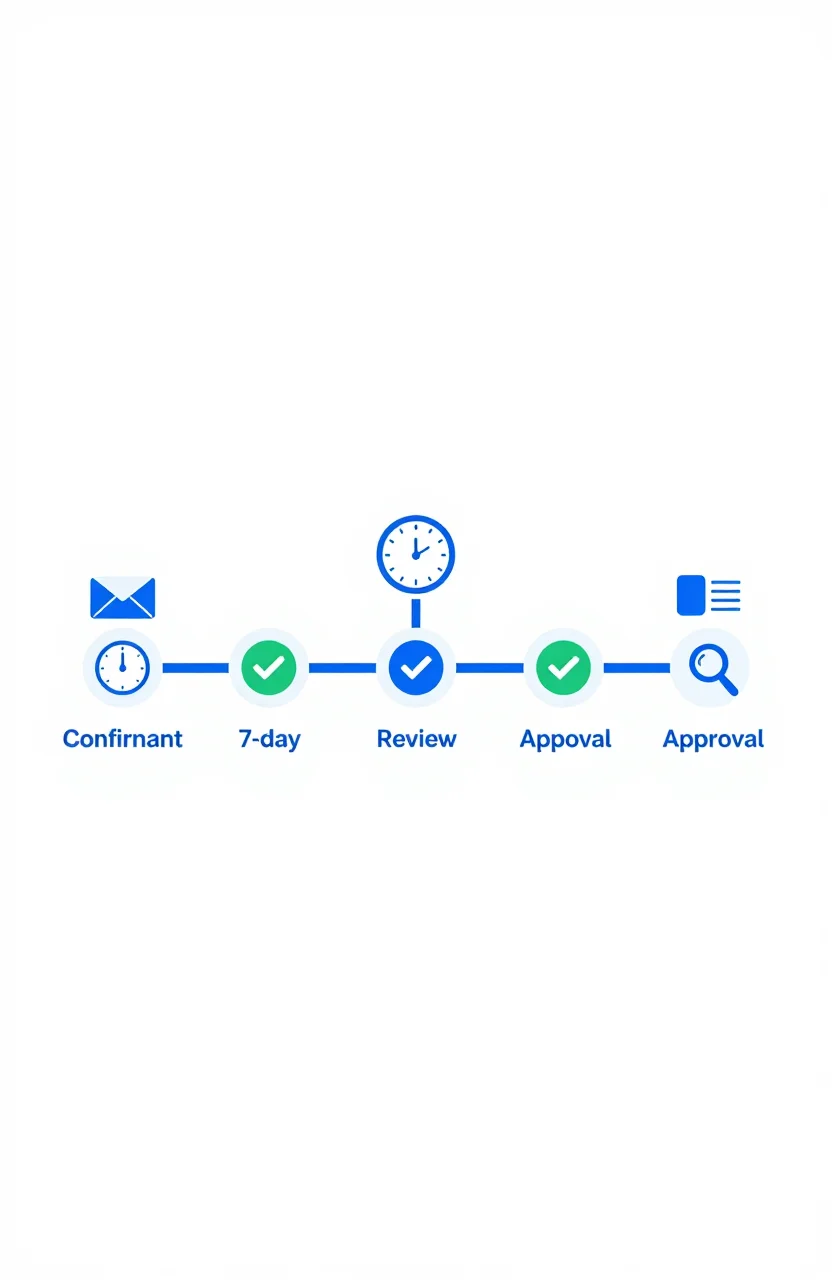
What Happens After You Submit: First 7 Days on a Directory
Most submission guides stop at the submit button. Here's what actually happens in the first 7 days after you submit your site to a directory - moderation, approval, indexation, and what to check.
Michel Duar

Should You List Multiple Projects Under One Account?
Managing more than one project raises a practical question: one account or several? The answer depends on your situation, but the considerations are consistent across most directory platforms.
Michel Duar
Why Directory Leaderboards Still Drive Discovery Clicks
Directory leaderboards still drive discovery because people use ranked lists to shortlist projects fast. Learn why that human behavior creates clicks and how to earn them.
Michel Duar
How to Write a ShowMySites Listing That Wins the Click
A ShowMySites listing has a few seconds to win a cold click. Here is how to write titles, short descriptions, and field details that convert skimmers without sounding like slogan soup.
Michel Duar
Personal Website Listings That Don't Look Like Empty Portfolios
Most personal site listings read like blank portfolios. Learn how to write a human listing for the personal website category that makes people click, trust you, and remember what you do.
Michel Duar

Project Showcase Platforms: Where to Launch Your Web App in 2026
A comparison of the best project showcase platforms to launch your web app in 2026. Start with ShowMySites for a permanent DR68+ dofollow backlink, then stagger launches on Product Hunt, BetaList, Show HN, and niche communities. Learn how to time launches and what makes them land.
Michel Duar