
How to Write a ShowMySites Listing That Wins the Click
 Add ShowMySites to preferred sources
A ShowMySites listing is not your homepage, not your pitch deck, and not a blog post about your vision. It is a tight package of fields that has to win a click against dozens of neighbors in a few seconds. If you write it like a manifesto, people bounce. If you write it like a keyword salad, people bounce faster.
This guide focuses on listing craft for ShowMySites fields: title, short description, category fit, URL hygiene, and the small proof details that make a stranger trust the click. For the broader craft of presenting a project online across channels, use how to present your project online for maximum impact as the wide lens. Here we stay inside the directory listing itself.
When you are ready to ship the text, start from create your website entry, or go through submit if that is your path. No account yet? Sign up first so you can edit later without rebuilding from scratch.
Write the title like a result, not a brand lecture
Your title has one job: tell a skimming stranger what outcome you deliver. Brand name can sit there, but outcome should lead or at least share the spotlight.
Weak titles sound like internal code names or vague category claims:
- "Nimbus" (cool, means nothing)
- "The all-in-one AI platform" (everyone says this)
- "Revolutionary workflow solution" (no human talks like that)
Stronger titles name the job:
- "Nimbus: meeting notes that draft themselves"
- "Invoice tracker for freelancers who hate spreadsheets"
- "Uptime alerts for indie SaaS without DevOps"
Test your title in two places mentally: a dense row in list view, and a card in browse. If it only works when someone already knows you, rewrite. Directory traffic is mostly cold.
Keep length honest. If the UI truncates, put the unique promise first. Do not bury the differentiator after a long brand phrase.
Make the short description earn the click
The short description is where most listings die. Founders paste the About page. Marketers paste slogan soup. You need one concrete paragraph that answers three questions: who is this for, what does it do, why should I care now.
A workable pattern:
- Audience in plain language
- Primary action or output
- One proof or constraint that makes it believable
Example shape: "Built for solo consultants who send proposals weekly. Turns call notes into a client-ready outline in minutes. Works in the browser, no training workshop required."
Avoid stacking buzzwords. "AI-powered synergistic automation for next-gen teams" is not a description. It is camouflage. Prefer verbs a customer would use on a call.
Proof beats adjectives
If you have a number, a clear constraint, or a known integration, put it in. "Used by 400 indie makers" beats "trusted by teams worldwide." "Exports to Notion" beats "seamless integrations." If you have no proof yet, be specific about the workflow instead of inventing social proof.
Also match category honesty. If you are a personal site, do not squat in SaaS because it looks busier. Pick personal website, AI tool, marketplace, or tool based on what a stranger would call you after thirty seconds on your homepage.
URL, assets, and field hygiene that protect trust
Pretty copy cannot save a sloppy destination. Before you submit, open your URL in a private window. Confirm HTTPS, no staging subdomain, no forced login on first paint if you are trying to convert cold directory traffic. Landing pages that demand an account before explaining the product kill directory clicks.
Checklist before you hit submit:
- Canonical production URL only (one host, one preferred path)
- Title and description match what the landing page actually offers this month
- No leftover "beta" language if you already charge money (or the opposite: do not hide beta if it is truly unstable)
- Screenshot or visual that shows the product UI, not a stock photo of a laptop on a desk
When something changes after launch (new domain, pricing page move, rebrand), update the listing the same week. Stale listings create broken expectations and, sometimes, broken links. Maintenance is part of listing craft, not an afterthought.
Write for directory behavior, not homepage behavior
On your homepage you control layout, storytelling, and scroll. On ShowMySites you compete inside constrained fields. That changes rhetoric.
Homepage-friendly lines often fail in directories:
- Long origin stories
- Multiple audiences in one breath
- Feature laundry lists with no priority
- Humor that needs context you do not have in a card
Directory-friendly lines do this instead:
- Lead with the job-to-be-done
- Pick one primary audience even if you secretly serve three
- Name the main output, then one supporting detail
- Use words your buyers type into search or say on Twitter
If you need a second channel for richer storytelling, that is fine. Keep the listing sharp, then point the click to a page that expands. Do not try to expand inside the listing fields themselves.
A useful rewrite drill: take your current draft and delete every adjective. If the sentence still makes sense, you are close. Add back only the adjectives that change meaning ("weekly," "offline," "open source"), not the ones that decorate ("powerful," "seamless," "innovative").
Ship, then improve with real click feedback
Your first listing will not be perfect. Ship a clear version, then improve from signals. Watch whether people bounce immediately after the click (landing page mismatch) or never click at all (title and description mismatch). Those are different problems with different fixes.
Practical iteration loop:
- Publish with a clear title and one honest description
- Ask two people outside your team which listing they would click in a category row
- Change one element per week (title or description, not both at once)
- Update category only if strangers consistently miscategorize you
Keep editing access ready through your account so you are not stuck with launch-week copy forever. Use My Websites create as the home base for the project record, and revisit submit only when the flow you used requires it. The goal is a living listing, not a museum plaque.
If you want free distribution ideas beyond the listing itself, pair this craft with platforms that fit a zero budget push, but do not let multi-channel noise rewrite your ShowMySites fields into vague hype. The listing should stay the sharpest short version of your offer.
Winning the click on ShowMySites is a writing problem with product constraints. Lead with outcomes, describe one audience clearly, keep the URL clean, pick the true category, and iterate from real behavior. Do that, and your listing works as a storefront card, not as a buried About blurb hoping someone is patient.
Ready to showcase your project?
Join thousands of developers and entrepreneurs who have already listed their websites in our directory. Get discovered by potential users and grow your audience.
Free to list • Instant approval • No hidden fees
Frequently Asked Questions
What makes a strong ShowMySites listing title?
How long should my short description be?
Where do I create or update my listing?
Should I change title and description at the same time?
Related articles

When Your Directory Listing Gets Rejected (and How to Resubmit Cleanly)
A rejection is usually a punch list, not a dead end. Here is how to decode the message, fix the listing, and resubmit cleanly on ShowMySites.
 Michel Duar

How to Climb a Directory Leaderboard Without Gaming the System
Want to climb a directory leaderboard the right way? Fix your listing, pick a fair lane, earn real engagement, and run a weekly rhythm that compounds without fake votes.
Michel Duar

Choose a Username That Helps Discovery (Not Just Looks Cool)
Your directory username is more than a nickname. Learn how to pick a handle people can find, pronounce, and share so discovery does not die at signup.
Michel Duar

Mobile App Directory Listings: What Founders Get Wrong
Mobile app directory listings fail when they borrow website habits. Fix store links, device screenshots, and category traps before you submit.
Michel Duar
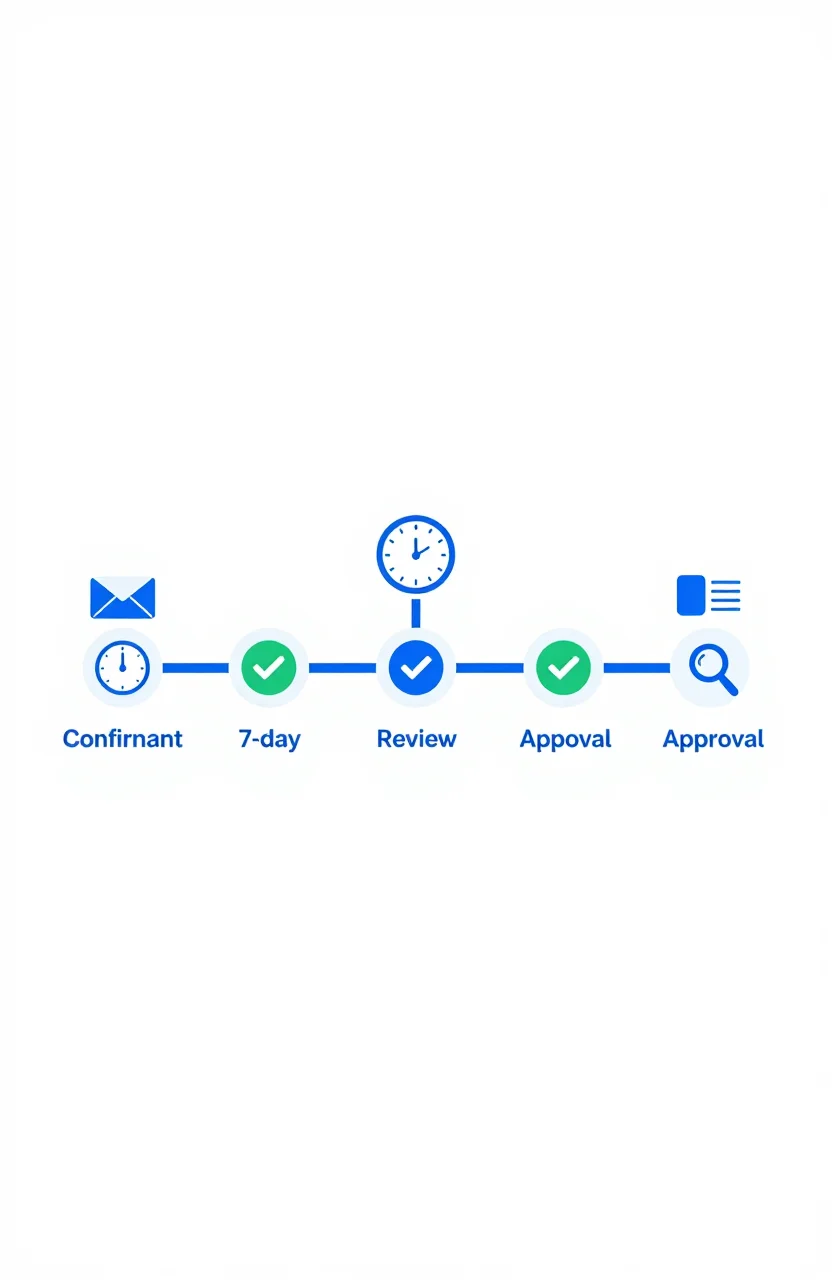
What Happens After You Submit: First 7 Days on a Directory
Most submission guides stop at the submit button. Here's what actually happens in the first 7 days after you submit your site to a directory - moderation, approval, indexation, and what to check.
Michel Duar
Should You List Multiple Projects Under One Account?
Managing more than one project raises a practical question: one account or several? The answer depends on your situation, but the considerations are consistent across most directory platforms.
Michel Duar
Why Directory Leaderboards Still Drive Discovery Clicks
Directory leaderboards still drive discovery because people use ranked lists to shortlist projects fast. Learn why that human behavior creates clicks and how to earn them.
Michel Duar
Personal Website Listings That Don't Look Like Empty Portfolios
Most personal site listings read like blank portfolios. Learn how to write a human listing for the personal website category that makes people click, trust you, and remember what you do.
Michel Duar

Project Showcase Platforms: Where to Launch Your Web App in 2026
A comparison of the best project showcase platforms to launch your web app in 2026. Start with ShowMySites for a permanent DR68+ dofollow backlink, then stagger launches on Product Hunt, BetaList, Show HN, and niche communities. Learn how to time launches and what makes them land.
Michel Duar