
What Happens After You Submit: First 7 Days on a Directory
 Add ShowMySites to preferred sources
You've filled out the form, written your description, and clicked submit. Now what? Most guides stop at the submit button, which leaves you in the dark about what actually happens next - and what you should be doing while you wait.
Here's a realistic, day-by-day breakdown of what to expect in the first seven days after submitting your site to a directory, and what actions to take at each stage.
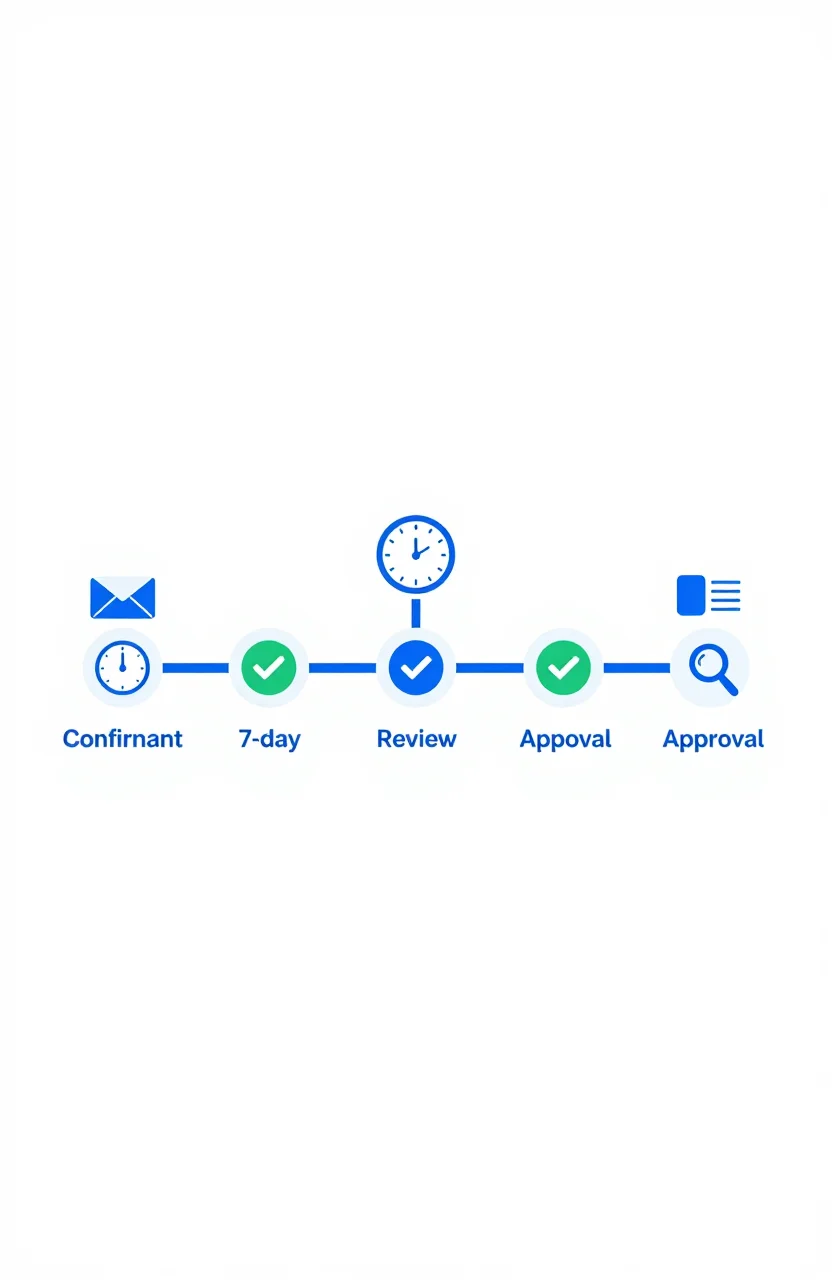
Day 1 - Confirmation and Immediate Next Steps
Within minutes of submitting, most directories send an automated confirmation email. Read it carefully before doing anything else. Some directories require you to click a verification link or confirm your email address before your submission even enters the review queue. Skipping this step means your submission stalls before it starts.
If no confirmation email arrives within an hour, check your spam folder first. If nothing is there, either the directory has a broken confirmation workflow or your submission didn't go through correctly. In that case, revisit the submission form or contact support to confirm receipt.
Your day-one task is straightforward: confirm receipt, click any verification link required, and log the submission in your tracking spreadsheet with today's date and a status of "pending." That's it.
Days 2-3 - The Review Window
Most directories with editorial review process submissions within 24 to 72 hours. During this window, a human reviewer or automated system typically checks your listing for:
- Whether your site is functional and loads correctly at the URL you provided
- Whether your description accurately represents what the site does
- Whether your category selection is appropriate for your product
- Whether the listing complies with their content guidelines
Some directories skip editorial review entirely and auto-approve submissions within hours of receipt. If you can find your listing live on the site within a day, that's what happened. Otherwise, assume you're in a review queue and wait.
Don't contact support before 72 hours have passed. Most directories with manual review receive enough submissions that a short wait is entirely normal. Reaching out too early won't accelerate the process and may not get a response anyway.
Days 3-4 - Approval or Rejection Notification
When a decision is made, most directories notify you by email. Approval emails typically include a direct link to your live listing - bookmark it immediately and add the URL to your tracker.
Rejection emails should include a reason. Common rejection reasons and how to handle them:
- Category mismatch - move your listing to the correct category and resubmit
- Description too promotional or keyword-heavy - rewrite in plain, factual language and resubmit
- Site was unreachable at review time - fix any downtime or load issues and resubmit after verifying the site is stable
- Niche doesn't fit the directory's scope - accept it, remove this source from your list, and move on
Most directories allow resubmission after fixing a correctable rejection. If the reason is niche mismatch, don't push it - the listing wouldn't convert visitors even if it were approved.
Days 4-5 - Verify the Live Listing Carefully
Once your listing is approved, visit it directly rather than assuming everything looks right. Check each element:
- Is your site name spelled correctly?
- Does the URL link to your homepage (not a subdirectory or error page)?
- Is the category accurate and visible to relevant browsers?
- Is the description the version you intended, or was it truncated or auto-edited?
Most directories provide an edit function or a contact form for corrections. Fix anything that's wrong now while the submission is fresh in your memory. A listing with a broken URL or wrong category doesn't send traffic regardless of placement.
Also verify your UTM-tagged tracking URL is working. Click it yourself, then confirm it registers correctly in your analytics dashboard. This is the only way to be certain your tracking setup is capturing visits properly from this source.
Days 5-7 - The First Indexation Window
For SEO purposes, the next question is when Google will crawl and index the directory page containing your listing. This varies significantly. High-traffic directories with frequent crawl rates - like the ShowMySites directory - get picked up within days. Lower-traffic directories may take several weeks.
You can speed up indexation by sharing your listing URL on social media or linking to it from your own blog. This gives Googlebot additional paths to discover the page and can meaningfully reduce time to indexation.
Don't expect your domain rating to shift within a week. Link equity accumulates gradually. DR metrics in tools like Ahrefs update periodically and newly discovered links can take weeks to be reflected. The first 7 days establish the foundation - the results show up over the following 30 to 90 days.
After Day 7 - Set Your Review Checkpoints
Once your listing is live and on its way to being indexed, set two reminders: one for the 30-day mark and one for the 90-day mark. At each checkpoint, review:
- Referral sessions from this directory in your analytics (your UTM data)
- Whether the directory page with your listing appears in Google for relevant queries
- Whether Google Search Console has started reporting the backlink
If you haven't set up UTM tracking yet for this listing, do it now for your next submission - every directory submission going forward should include a trackable URL from the start.
The first seven days are mostly about confirming the process worked correctly. The actual value - referral traffic, indexation, link equity - accumulates in the weeks after that. Patience and consistent tracking is the full strategy at this stage.
Ready to showcase your project?
Join thousands of developers and entrepreneurs who have already listed their websites in our directory. Get discovered by potential users and grow your audience.
Free to list • Instant approval • No hidden fees
Frequently Asked Questions
How long does directory approval usually take?
What should I do if my directory submission is rejected?
How do I know when my directory listing has been indexed by Google?
Should I share my directory listing on social media after approval?
Related articles

Should You List Multiple Projects Under One Account?
Managing more than one project raises a practical question: one account or several? The answer depends on your situation, but the considerations are consistent across most directory platforms.
 Michel Duar
Why Directory Leaderboards Still Drive Discovery Clicks
Directory leaderboards still drive discovery because people use ranked lists to shortlist projects fast. Learn why that human behavior creates clicks and how to earn them.
Michel Duar
How to Write a ShowMySites Listing That Wins the Click
A ShowMySites listing has a few seconds to win a cold click. Here is how to write titles, short descriptions, and field details that convert skimmers without sounding like slogan soup.
Michel Duar
Personal Website Listings That Don't Look Like Empty Portfolios
Most personal site listings read like blank portfolios. Learn how to write a human listing for the personal website category that makes people click, trust you, and remember what you do.
Michel Duar

Project Showcase Platforms: Where to Launch Your Web App in 2026
A comparison of the best project showcase platforms to launch your web app in 2026. Start with ShowMySites for a permanent DR68+ dofollow backlink, then stagger launches on Product Hunt, BetaList, Show HN, and niche communities. Learn how to time launches and what makes them land.
Michel Duar
How to Rank a New Website on Google: Complete 2026 Guide
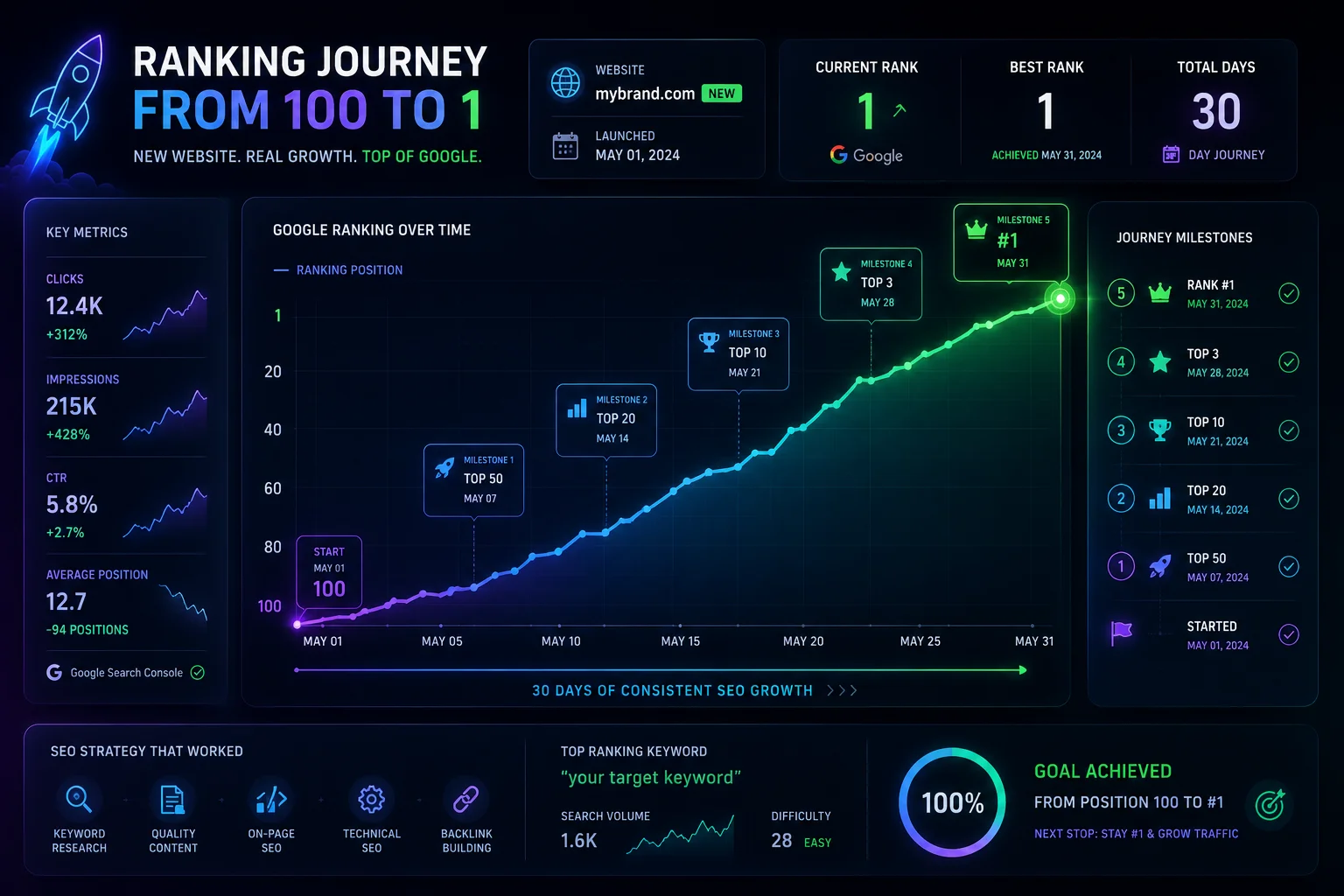
A step-by-step guide to ranking a new website on Google without existing authority. Start with ShowMySites for your first DR68+ backlink, then master keyword research, topic clusters, on-page SEO, technical setup, and free backlink building. Includes a 90-day roadmap for new domains.
Michel Duar

Link Graph Theory: How Authority Flows Across the Web
How does authority truly circulate across the web? This article explores Link Graph Theory, from PageRank foundations to modern authority signals. Learn how internal linking, backlinks, and content architecture influence trust, rankings, and sustainable SEO performance.
Michel Duar

The Difference Between Niche Directories and General Directories for SEO
Understanding the difference between niche and general directories is essential for building an effective SEO strategy. This article explores how relevance, authority, traffic quality and strategic use cases impact the real value of directory backlinks in modern search optimization.
Michel Duar

Building a Feedback Culture to Improve Your Product Quickly
Learn how to create a culture where feedback flows freely from users and teams, enabling faster product improvements, better decisions, and continuous growth.
Michel Duar