
Should You List Multiple Projects Under One Account?
 Add ShowMySites to preferred sources
If you are a prolific builder - or just someone who has launched a few different projects over time - the question of how to organize them on a directory or showcase platform comes up quickly. Do you create separate accounts for each project? Keep everything under one profile? Split them based on category? The answer is not universal, but the considerations are consistent across most platforms.
Why Account Structure Matters for Visibility
Directory platforms increasingly weight historical activity when ranking or surfacing listings. An account with two years of consistent engagement tends to outperform a brand-new account with an identical listing, even when everything else looks equal. This creates a real incentive to consolidate your projects under a single, well-maintained account rather than spinning up a new profile every time you build something.
There is also the matter of social proof. A profile that shows multiple completed or active projects signals to visitors that you are a serious builder, not someone who threw up a listing and disappeared. That context changes how people evaluate your listings even before they read them. A founder with three live projects reads differently from a founder with one - and that pattern recognition happens fast, often before a single word of your description is read.
The Case for Keeping Projects Separate
Consolidation is not always the right answer. There are situations where keeping projects in separate accounts makes more sense than bundling them.
If your projects operate in completely different verticals - say, a developer tool and a consumer recipe app - combining them under one profile creates a confusing identity. Visitors browsing your profile will not understand the connecting thread, and the categories you are listed in may conflict with each other in ways that reduce your relevance signals for both projects.
Team projects are another case where separation often makes sense. If you co-founded something with other people, that project may have its own brand identity that benefits from its own account rather than being absorbed into your personal portfolio.
Brand consistency also plays a role. If one of your projects has grown to the point where it has its own recognizable identity, listing it under a personal account alongside smaller experiments can dilute that identity in contexts where you want the project to stand on its own merits.
How Multi-Project Management Works on ShowMySites
ShowMySites is built around the assumption that most serious builders have more than one project. The my websites dashboard lets you manage all your submitted projects from a single account without them competing for your profile's attention.
Each project gets its own listing, its own description, its own category placement, and its own performance tracking. Having them under the same account does not mean they are presented as a bundle - they are individual entries that happen to share an owner. Visitors browsing a specific category will encounter your listing for the relevant project, not your full portfolio, unless they navigate to your profile directly.
This structure gives you the account authority benefits of consolidation without sacrificing the individual presentation that each project deserves.
Leaderboard Dynamics With Multiple Listings
The ShowMySites leaderboard surfaces projects that have gained traction - views, clicks, engagement - over time. Having multiple active listings means multiple opportunities to appear across different leaderboard categories, which is a genuine advantage for consistent builders.
What it does not mean is that your projects compete against each other for the same slot. Each listing is evaluated on its own merits within its own category. A strong listing in the SaaS category and a strong listing in the AI tools category are tracked separately with separate performance histories.
The practical implication is that maintaining consistent quality across all your listings matters more than focusing on a single entry. A portfolio of well-maintained, up-to-date listings across relevant categories builds cumulative visibility over time in a way that a single listing never can.
Practical Tips for Managing Multiple Submissions
If you decide to consolidate projects under one account, a few habits make the ongoing management sustainable. Keep a simple document with the current description, category, and key metrics for each listing. When you update one, check whether the others need updating too - product categories shift, positioning evolves, and features that were unique six months ago may now be common.
Make sure each listing is genuinely distinct. If two of your projects solve similar problems for similar audiences, the descriptions should clearly explain the differentiation - not just for algorithmic reasons, but because users comparing them deserve to understand the actual difference.
Pay attention to which of your listings consistently outperforms the others. The reasons for that performance - description quality, category relevance, timing, or visual appeal - often contain lessons you can apply to the underperforming entries without significant additional effort.
If you are still unsure, run a two-week experiment. Keep your next two projects under the same account, write clearly differentiated descriptions, and watch how each listing performs in referral clicks and profile visits. If one project steals attention from the other, split them. If both grow without cannibalizing discovery, stay with one account and keep the portfolio tidy.
Also decide what "done" looks like for each listing. A multi-project account becomes messy when unfinished drafts sit next to live pages. Finish the title, category, URL, and primary benefit before you open a second create form. Your future self will thank you when you open My Websites and see a clean queue instead of half-written experiments.
Multiple projects are a feature of serious builders, not a complication to manage around. The right account structure is simply the one that makes it easiest for each project to reach the audience it was built for.
Ready to showcase your project?
Join thousands of developers and entrepreneurs who have already listed their websites in our directory. Get discovered by potential users and grow your audience.
Free to list • Instant approval • No hidden fees
Frequently Asked Questions
Can I manage multiple projects under one ShowMySites account?
Will having multiple listings hurt my leaderboard ranking?
When does it make sense to create separate accounts for different projects?
Does account history affect how my listings rank in directories?
Related articles
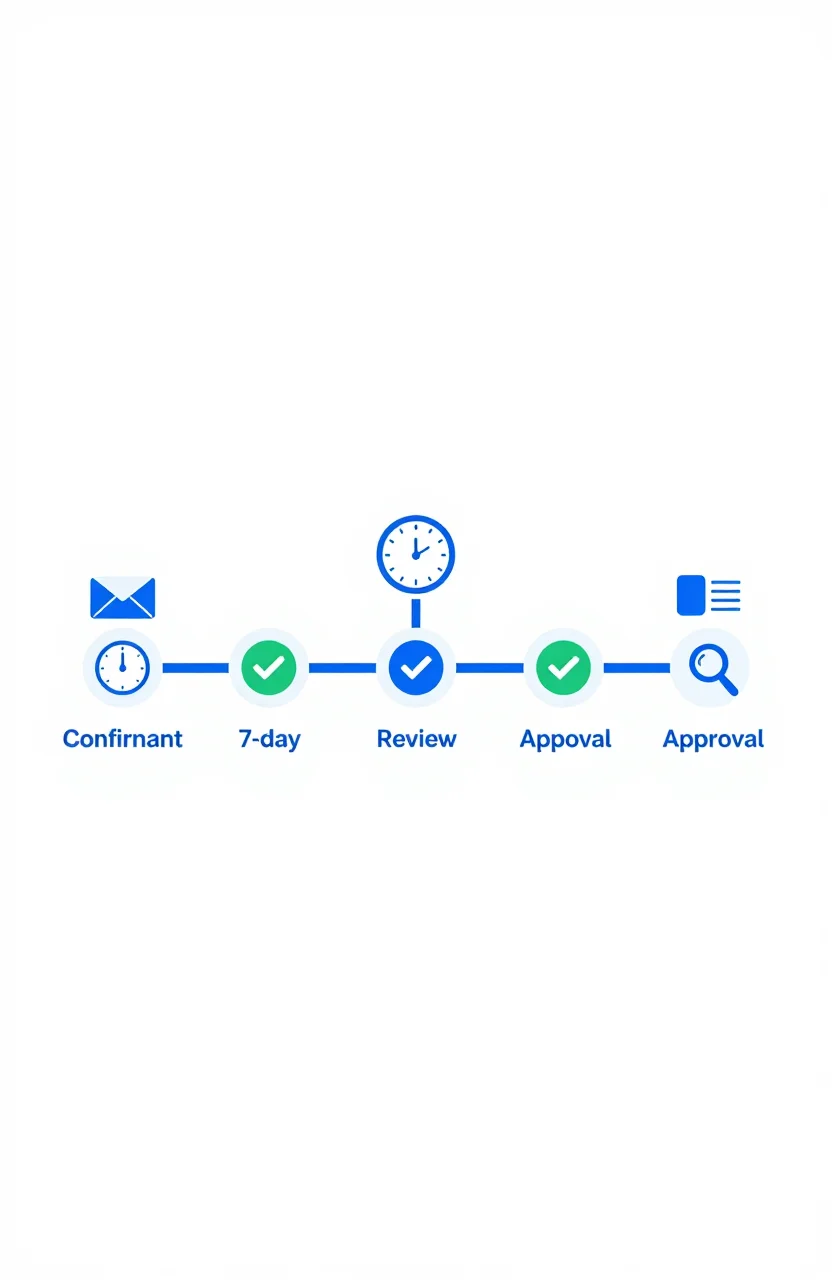
What Happens After You Submit: First 7 Days on a Directory
Most submission guides stop at the submit button. Here's what actually happens in the first 7 days after you submit your site to a directory - moderation, approval, indexation, and what to check.
 Michel Duar
Why Directory Leaderboards Still Drive Discovery Clicks
Directory leaderboards still drive discovery because people use ranked lists to shortlist projects fast. Learn why that human behavior creates clicks and how to earn them.
Michel Duar

How to Write a ShowMySites Listing That Wins the Click
A ShowMySites listing has a few seconds to win a cold click. Here is how to write titles, short descriptions, and field details that convert skimmers without sounding like slogan soup.
Michel Duar
Personal Website Listings That Don't Look Like Empty Portfolios
Most personal site listings read like blank portfolios. Learn how to write a human listing for the personal website category that makes people click, trust you, and remember what you do.
Michel Duar

Project Showcase Platforms: Where to Launch Your Web App in 2026
A comparison of the best project showcase platforms to launch your web app in 2026. Start with ShowMySites for a permanent DR68+ dofollow backlink, then stagger launches on Product Hunt, BetaList, Show HN, and niche communities. Learn how to time launches and what makes them land.
Michel Duar
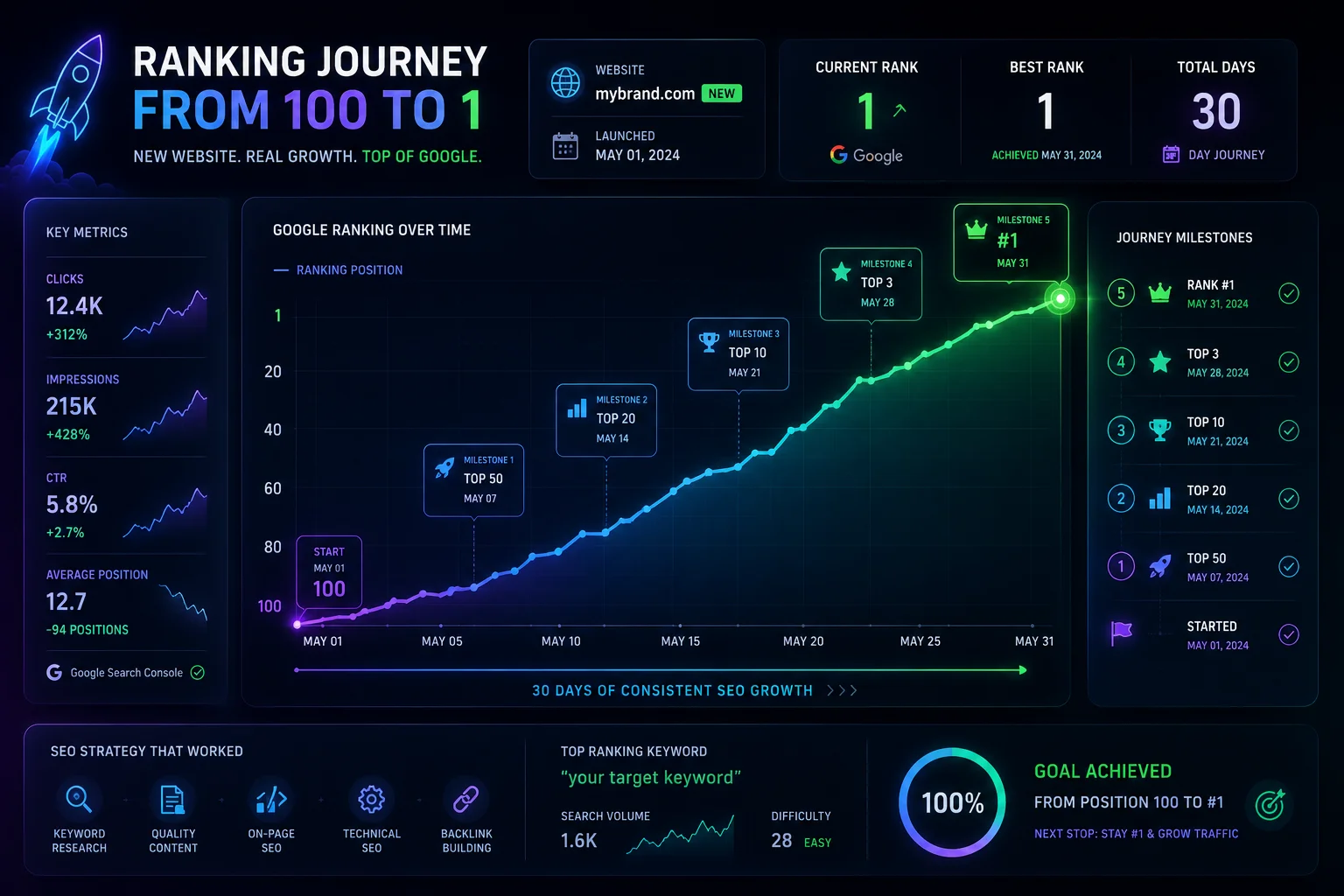
How to Rank a New Website on Google: Complete 2026 Guide
A step-by-step guide to ranking a new website on Google without existing authority. Start with ShowMySites for your first DR68+ backlink, then master keyword research, topic clusters, on-page SEO, technical setup, and free backlink building. Includes a 90-day roadmap for new domains.
Michel Duar

Link Graph Theory: How Authority Flows Across the Web
How does authority truly circulate across the web? This article explores Link Graph Theory, from PageRank foundations to modern authority signals. Learn how internal linking, backlinks, and content architecture influence trust, rankings, and sustainable SEO performance.
Michel Duar

The Difference Between Niche Directories and General Directories for SEO
Understanding the difference between niche and general directories is essential for building an effective SEO strategy. This article explores how relevance, authority, traffic quality and strategic use cases impact the real value of directory backlinks in modern search optimization.
Michel Duar

Building a Feedback Culture to Improve Your Product Quickly
Learn how to create a culture where feedback flows freely from users and teams, enabling faster product improvements, better decisions, and continuous growth.
Michel Duar