
Tool Listing vs SaaS Listing: Same Product, Different Framing
 Add ShowMySites to preferred sources
Plenty of products sit in a gray zone. They are software you subscribe to, and they are also a tool people open to finish one job. On a directory, that gray zone becomes a framing problem: same product, two different stories, two different click patterns.
This article is not another "which category should I pick" checklist. That decision tree already exists in pick the right ShowMySites category. Here the focus is narrower: once you lean Tool or SaaS, how the title, proof, and call to action should change so the listing feels native to that browse path.
If you want to see the live lanes side by side, skim SaaS and Tool before you rewrite a word. Notice how peers talk. Then decide which voice your product should borrow for this placement.
Two frames for one product
Tool framing treats the product like a sharp instrument. Visitors arrive with a task: convert a file, clean a dataset, generate a thumbnail, check a status. The listing wins when it names the task and the output fast. Time-to-value language fits. "One-off" is not a flaw; it is the promise.
SaaS framing treats the product like a workplace habit. Visitors arrive with a recurring workflow: billing every month, monitoring uptime, managing a pipeline. The listing wins when it names the role, the rhythm, and the system that keeps running after the first session. Continuity language fits. Seats, workspaces, and plans feel natural here.
Same codebase can wear both frames. A screenshot tool sold to marketers might live as Tool when the pitch is "capture and annotate in seconds," and as SaaS when the pitch is "shared libraries for the whole content team." The product did not change. The job you lead with did.
How Tool framing rewrites the listing fields
Lead with the verb and the object. "Compress PDFs without quality loss" beats "All-in-one document platform." Tool browsers are scanning for verbs. Give them one.
Put constraints in the short description, not apologies. Formats supported, file size limits, languages, or "works in the browser" details help people self-select. Ambiguity looks like bloat in a Tool lane.
Proof should be concrete and immediate. "Processes a 40-page PDF in under a minute" lands better than "loved by thousands of teams." If you have volume metrics, use them as capacity signals, not as vanity. Tool readers want to know the thing works when they drop a file on it.
CTA language should match a first action: try, upload, convert, generate, check. Soft "book a demo" CTAs feel heavy unless the tool truly needs a sales call. If your monetization is subscription underneath, you can still open with a tool-shaped first step and introduce the plan later on the site.
Screenshots should show the action mid-flight: a before/after, a filled form, a result panel. Empty dashboards belong more to SaaS storytelling than to Tool storytelling.
How SaaS framing rewrites the same fields
Lead with the role and the recurring pain. "Invoice chasing for freelancers who hate spreadsheet reminders" tells a story Tool framing would flatten. SaaS browsers care who lives in the product week after week.
The short description can mention collaboration, permissions, or the loop the product closes. "Centralize client feedback across releases" signals a system. That sentence would feel padded in a pure Tool listing; here it is the point.
Proof shifts toward retention-shaped evidence: time saved per week, fewer missed renewals, teams that replaced two apps with one. You still need honesty. Inflated "enterprise-ready" claims without a clear workflow confuse people who just wanted a simple seat-based tool.
CTA language can include start free trial, create workspace, invite a teammate. Demo CTAs are more acceptable when the setup cost is real. Just keep the first sentence of the listing aligned with what happens after signup, or you will earn clicks that bounce.
Screenshots should show the living system: a board with real cards, a timeline, a settings page that implies multiplayer use. A single magic button with no context undersells SaaS framing.
A side-by-side rewrite you can steal
Imagine a product that cleans CRM data. Tool version title: "Deduplicate HubSpot contacts in one pass." Short description: "Upload an export, merge duplicates by email or company, download a clean CSV." CTA: "Clean a sample file."
SaaS version title: "Keep HubSpot clean for sales teams that sync daily." Short description: "Scheduled dedupe rules, teammate approvals, and alerts when messy imports land." CTA: "Start a workspace."
Same engine. Different promise. Different neighbor set on the directory. If you publish the Tool version into a SaaS-heavy browse path, it will look thin. If you publish the SaaS version into a Tool-heavy path, it will look slow and salesy. Framing is how you avoid both mismatches.
When you rebuild the full copy block, follow the field order in how to write a ShowMySites listing that wins the click, but swap the voice according to the frame you chose. Do not mix voices inside one listing. A Tool verb pile next to a "transform your organization" closer reads like two products fighting.
When to keep one frame (and when dual listings make sense)
Most products should pick one primary frame for the main listing and stick with it for a full learning cycle. Soft A/B tests on titles are fine. Constantly flipping category and tone is not. Reviewers and visitors both prefer a stable story.
Dual presence can make sense later if you truly serve two jobs with two entry points: a free single-task utility and a paid team workspace, for example. Even then, do not clone the same paragraph into both. Write each listing as if the other did not exist. Shared brand name, distinct job.
If you are unsure which frame is honest, watch how users describe the product without prompting. "I used it once to fix X" points Tool. "We run our weekly Y in it" points SaaS. Borrow their words. Directories reward language that already lives in the market.
Framing is not a costume party. It is a bet on the job you want to win this quarter. Choose the bet, rewrite every field to match, and let the other frame wait until the product (or the audience) actually needs it.
Ready to showcase your project?
Join thousands of developers and entrepreneurs who have already listed their websites in our directory. Get discovered by potential users and grow your audience.
Free to list • Instant approval • No hidden fees
Frequently Asked Questions
What is the difference between Tool framing and SaaS framing?
Do I need a different listing if I already picked a category?
Can one product have both a Tool listing and a SaaS listing?
How do I know which frame is honest for my product?
Related articles

When Your Directory Listing Gets Rejected (and How to Resubmit Cleanly)
A rejection is usually a punch list, not a dead end. Here is how to decode the message, fix the listing, and resubmit cleanly on ShowMySites.
 Michel Duar

How to Climb a Directory Leaderboard Without Gaming the System
Want to climb a directory leaderboard the right way? Fix your listing, pick a fair lane, earn real engagement, and run a weekly rhythm that compounds without fake votes.
Michel Duar

Choose a Username That Helps Discovery (Not Just Looks Cool)
Your directory username is more than a nickname. Learn how to pick a handle people can find, pronounce, and share so discovery does not die at signup.
Michel Duar

Mobile App Directory Listings: What Founders Get Wrong
Mobile app directory listings fail when they borrow website habits. Fix store links, device screenshots, and category traps before you submit.
Michel Duar
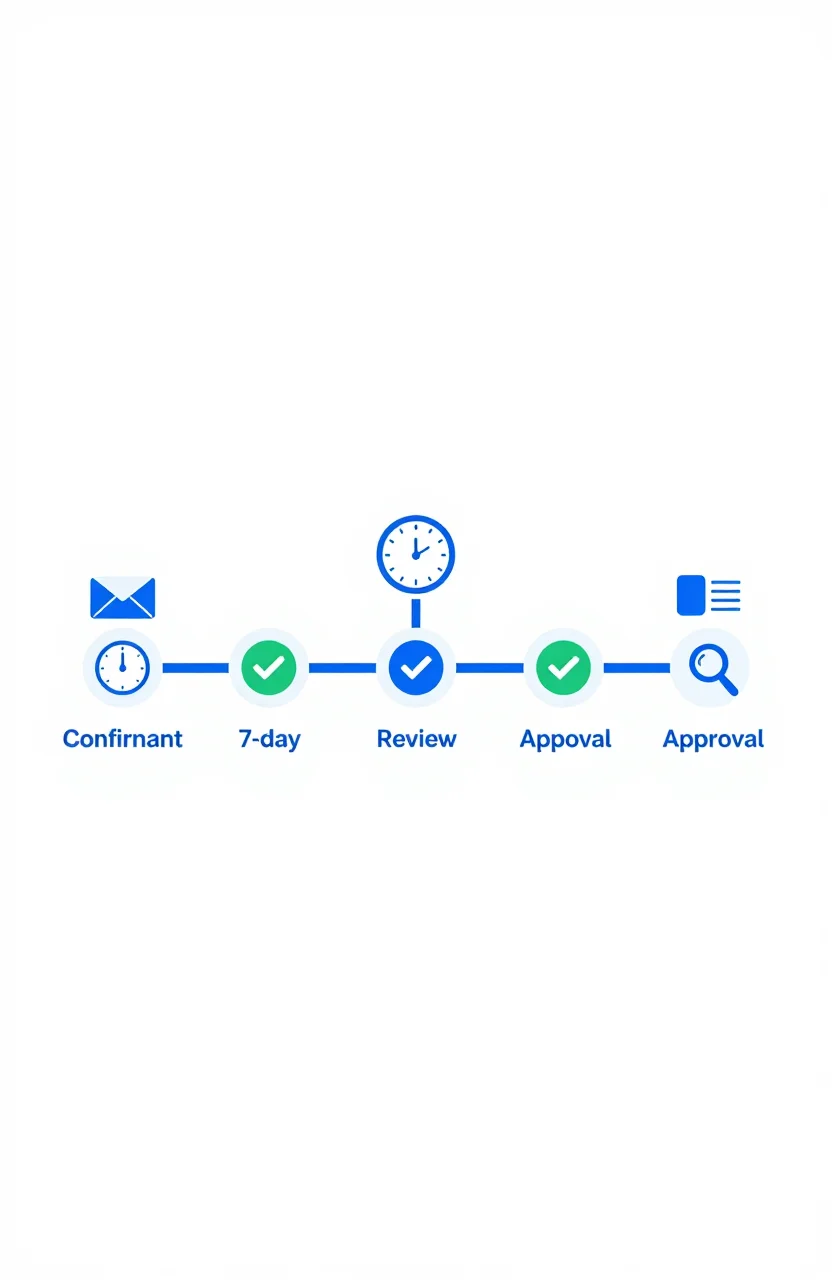
What Happens After You Submit: First 7 Days on a Directory
Most submission guides stop at the submit button. Here's what actually happens in the first 7 days after you submit your site to a directory - moderation, approval, indexation, and what to check.
Michel Duar

Should You List Multiple Projects Under One Account?
Managing more than one project raises a practical question: one account or several? The answer depends on your situation, but the considerations are consistent across most directory platforms.
Michel Duar
Why Directory Leaderboards Still Drive Discovery Clicks
Directory leaderboards still drive discovery because people use ranked lists to shortlist projects fast. Learn why that human behavior creates clicks and how to earn them.
Michel Duar

How to Write a ShowMySites Listing That Wins the Click
A ShowMySites listing has a few seconds to win a cold click. Here is how to write titles, short descriptions, and field details that convert skimmers without sounding like slogan soup.
Michel Duar
Personal Website Listings That Don't Look Like Empty Portfolios
Most personal site listings read like blank portfolios. Learn how to write a human listing for the personal website category that makes people click, trust you, and remember what you do.
Michel Duar