
How to Rank a New Website on Google: Complete 2026 Guide
 Add ShowMySites to preferred sources
Why New Websites Struggle to Rank
A brand new website starts with zero trust. Google has never seen your domain before. You have no backlinks, no history, no brand signals, and no data to suggest your content is worth ranking.
This is normal. Every successful site started exactly where you are now. The difference is they followed a strategy that works even without existing authority.
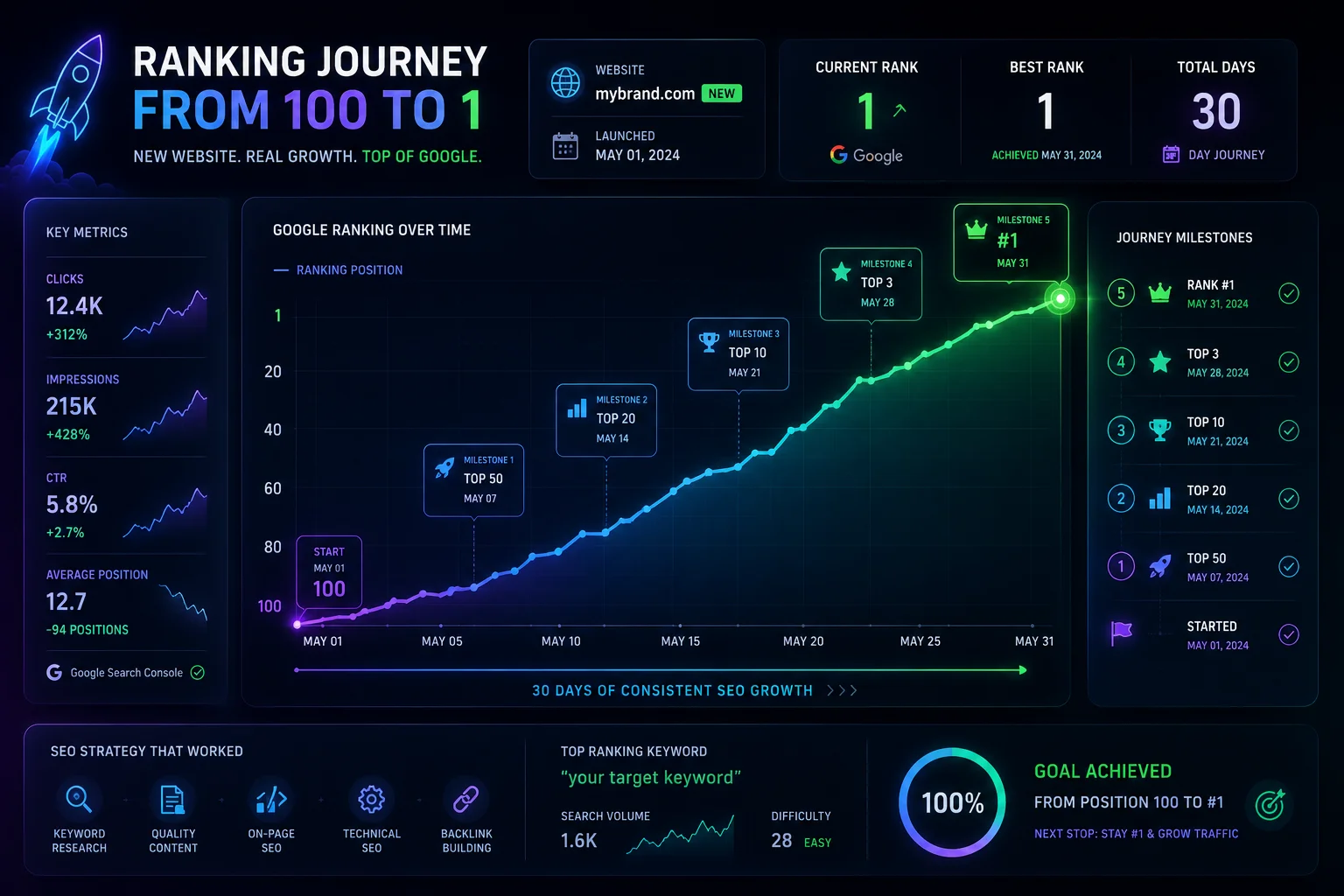
This guide walks you through a proven process to rank a new website in 2026. It covers the fundamentals that still work today - content, technical SEO, indexing, and the specific places you can build your first trust signals from scratch.
#1 - Get Your First Authority Signal on ShowMySites
The first thing you need as a new site is a trust signal from an established domain. ShowMySites gives you exactly that.
Submit your website to our directory and you get a dofollow backlink from a DR68+ platform. This tells Google that an existing, trusted site has reviewed and listed your project. For a new domain with zero authority, this single backlink is more valuable than 50 low-quality links.
- 5-minute setup. Create your account, submit your site, and your backlink goes live immediately.
- Permanent dofollow link. The authority passes directly to your domain.
- Bonus listing visibility. Your project appears in our directory alongside other launched sites, bringing you traffic while you build.
Do this before you do anything else. It is the fastest way to go from DR 0 to having an indexed backlink from a DR68+ site.
Pick Your Keyword Battles Wisely
New sites cannot compete for high-volume head terms. The math does not work. A site with DR 10 cannot rank for a keyword that requires DR 50.
Target keywords where you can win:
- Long-tail keywords (3-5 words with low competition). Use keyword research tools and filter by Keyword Difficulty under 20.
- Question-based queries (how to, what is, why does). These often have lower competition and higher conversion intent.
- Niche modifiers (for beginners, in 2026, for small businesses). Adding a modifier reduces competition significantly.
- Zero-volume topics. If nobody has written about it, you can be the first. Google rewards original content even on new sites.
Start with 10-15 long-tail keywords that are realistically winnable. Rank for those first, then expand to broader terms as your authority grows.
Build Topic Clusters, Not Random Pages
Google ranks topical authority, not individual pages. A site with 20 articles on a single topic will outperform a site with 100 articles on random topics every time.
Structure your content around topic clusters:
- One pillar page that covers the core topic in depth (2000-3000 words).
- 10-15 cluster articles that cover subtopics, each linking back to the pillar.
- Internal links between every cluster article and the pillar page.
This structure signals to Google that your site is an authority on that specific subject. It is the single most effective content strategy for new websites.
For more on content strategy, read our guide on SEO basics for beginners.
Master the On-Page Fundamentals
New sites cannot afford to miss the basics. Every page needs these elements optimized:
| Element | Requirement |
|---|---|
| Title tag | Unique, includes primary keyword, under 60 characters |
| Meta description | Compelling, includes keyword, under 160 characters |
| URL slug | Short, includes keyword, hyphens not underscores |
| H1 tag | One per page, matches user intent, includes keyword |
| Image alt text | Descriptive, includes keyword where natural |
| Internal links | 3-5 per page linking to related content on your site |
| Readability | Short paragraphs, bullet points, clear headings |
These on-page signals are within your control from day one. They do not depend on external authority. Getting them right gives Google clear signals about what your page is about and who it serves.
Get Indexed Fast
A common frustration: you publish content, but Google does not find it. Here is how to speed up indexing on a new site:
- Submit your sitemap to Google Search Console. This is the first thing to do after verifying your site.
- Use the URL Inspection tool. Paste each new URL and click Request Indexing. Do this for every new page.
- Get your first backlink. A link from ShowMySites or another indexed site tells Google to crawl your domain.
- Link internally from indexed pages. Once one page is indexed, link to others from it.
- Share on social media. Tweets and posts get crawled quickly and can trigger Google to find your page.
Read our guide on quick fixes for Google indexing errors for troubleshooting tips.
Build Your First Backlinks for Free
Backlinks from authoritative sites are a ranking signal. But on a new site, you cannot start with guest posting on DR90 blogs. You start smaller.
We compiled the full list in our free backlink opportunities guide. Here are the ones to prioritize as a new site:
- ShowMySites - Your first dofollow backlink from a DR68+ site. Start here.
- Crunchbase - DR 91. Free company profile with dofollow link.
- GitHub - DR 97. Create a repository for your project. Dofollow link in your profile and README.
- LinkedIn Company Page - DR 98. Free profile with backlink in your company description.
- Indie Hackers - DR 73. Free founder profile with dofollow backlink.
- Medium - DA 95. Publish 2-3 articles and link back to your site.
- Dev.to - DA 90. Free developer blogging with dofollow links.
Note: on a new site, even a few quality backlinks move the needle significantly because your backlink profile starts from zero. Five good links on a new domain create a bigger relative boost than 50 links on an established one.
Technical SEO for New Sites
Technical issues that an established site can survive will kill a new site. Fix these before you publish anything:
- Page speed. Aim for under 2.5 seconds on mobile. Use caching, image compression, and a fast host.
- Mobile responsiveness. Google uses mobile-first indexing. Your site must work perfectly on phones.
- No broken links. Every 404 on a small site is a trust signal eroder. Check with a crawler tool.
- Clean URL structure. Avoid query parameters, use descriptive slugs.
- SSL certificate. HTTPS is non-negotiable. Most hosts include it for free.
- XML sitemap. Submit it to Google Search Console as soon as your site is live.
For a deeper look at how technical factors impact your site, read how Core Web Vitals affect rankings.
Leverage Internal Linking
Internal linking is the most underrated SEO strategy for new sites. On a domain with no external backlinks, your internal link structure is how PageRank flows between your pages.
Apply these rules from day one:
- Every new page links to at least 2 other pages on your site.
- Every page receives at least 1 internal link from another page.
- Your pillar page gets links from every cluster article.
- Use descriptive anchor text (not click here or read more).
- Link to your highest-priority pages from your homepage or about page.
Internal links are fully under your control. Use them aggressively to distribute whatever authority your new domain has.
Be Consistent, Not Perfect
The biggest reason new sites fail to rank is not lack of backlinks or poor content. It is inconsistency. One article per week for six months beats ten articles in one week followed by silence.
Set a realistic content schedule and stick to it. Google notices when a site publishes regularly. Over time, each new article adds to your topical authority and increases the chances that one of them will break through and attract natural backlinks.
Putting It All Together
Here is your 90-day roadmap for a new website with zero authority:
| Week | Action |
|---|---|
| Week 1 | Submit to ShowMySites. Set up GSC. Submit sitemap. Fix technical SEO. |
| Week 2 | Publish pillar page (2000+ words). Build Crunchbase, GitHub, LinkedIn profiles. |
| Week 3-4 | Publish 4 cluster articles. Link each to the pillar. Request indexing in GSC. |
| Week 5-6 | Publish 4 more cluster articles. Submit to free backlink sources. |
| Week 7-8 | Write 2 Medium articles linking to your site. Continue publishing weekly. |
| Week 9-12 | Maintain 1 article per week. Check GSC for indexing issues. Build backlinks. |
Ranking a new website takes time. There is no shortcut. But the sites that follow this process consistently see results within 3-6 months. The ones that chase quick wins or shortcuts end up back at zero when the next Google update rolls out.
Start with ShowMySites today. It is the fastest first step you can take.
Ready to showcase your project?
Join thousands of developers and entrepreneurs who have already listed their websites in our directory. Get discovered by potential users and grow your audience.
Free to list • Instant approval • No hidden fees
Frequently Asked Questions
How long does it take for a new website to rank on Google?
What is the most important SEO factor for a new website?
What is the fastest way to get a new website indexed?
Related articles
What Happens After You Submit: First 7 Days on a Directory
Most submission guides stop at the submit button. Here's what actually happens in the first 7 days after you submit your site to a directory - moderation, approval, indexation, and what to check.
 Michel Duar
Should You List Multiple Projects Under One Account?
Managing more than one project raises a practical question: one account or several? The answer depends on your situation, but the considerations are consistent across most directory platforms.
Michel Duar
Why Directory Leaderboards Still Drive Discovery Clicks
Directory leaderboards still drive discovery because people use ranked lists to shortlist projects fast. Learn why that human behavior creates clicks and how to earn them.
Michel Duar
How to Write a ShowMySites Listing That Wins the Click
A ShowMySites listing has a few seconds to win a cold click. Here is how to write titles, short descriptions, and field details that convert skimmers without sounding like slogan soup.
Michel Duar
Personal Website Listings That Don't Look Like Empty Portfolios
Most personal site listings read like blank portfolios. Learn how to write a human listing for the personal website category that makes people click, trust you, and remember what you do.
Michel Duar
Project Showcase Platforms: Where to Launch Your Web App in 2026
A comparison of the best project showcase platforms to launch your web app in 2026. Start with ShowMySites for a permanent DR68+ dofollow backlink, then stagger launches on Product Hunt, BetaList, Show HN, and niche communities. Learn how to time launches and what makes them land.
Michel Duar

Link Graph Theory: How Authority Flows Across the Web
How does authority truly circulate across the web? This article explores Link Graph Theory, from PageRank foundations to modern authority signals. Learn how internal linking, backlinks, and content architecture influence trust, rankings, and sustainable SEO performance.
Michel Duar

The Difference Between Niche Directories and General Directories for SEO
Understanding the difference between niche and general directories is essential for building an effective SEO strategy. This article explores how relevance, authority, traffic quality and strategic use cases impact the real value of directory backlinks in modern search optimization.
Michel Duar

Building a Feedback Culture to Improve Your Product Quickly
Learn how to create a culture where feedback flows freely from users and teams, enabling faster product improvements, better decisions, and continuous growth.
Michel Duar